
- Designed For
- Residential societies
- Structure
- Society-wide
- Users
- Society Admin and cleaners
- Main Focus
- Wash review and billing
- Vehicle Management
- Core workflow
- Multi-Store
- Not applicable
- Billing
- Washer invoices
- Inventory
- Not included
- Analytics
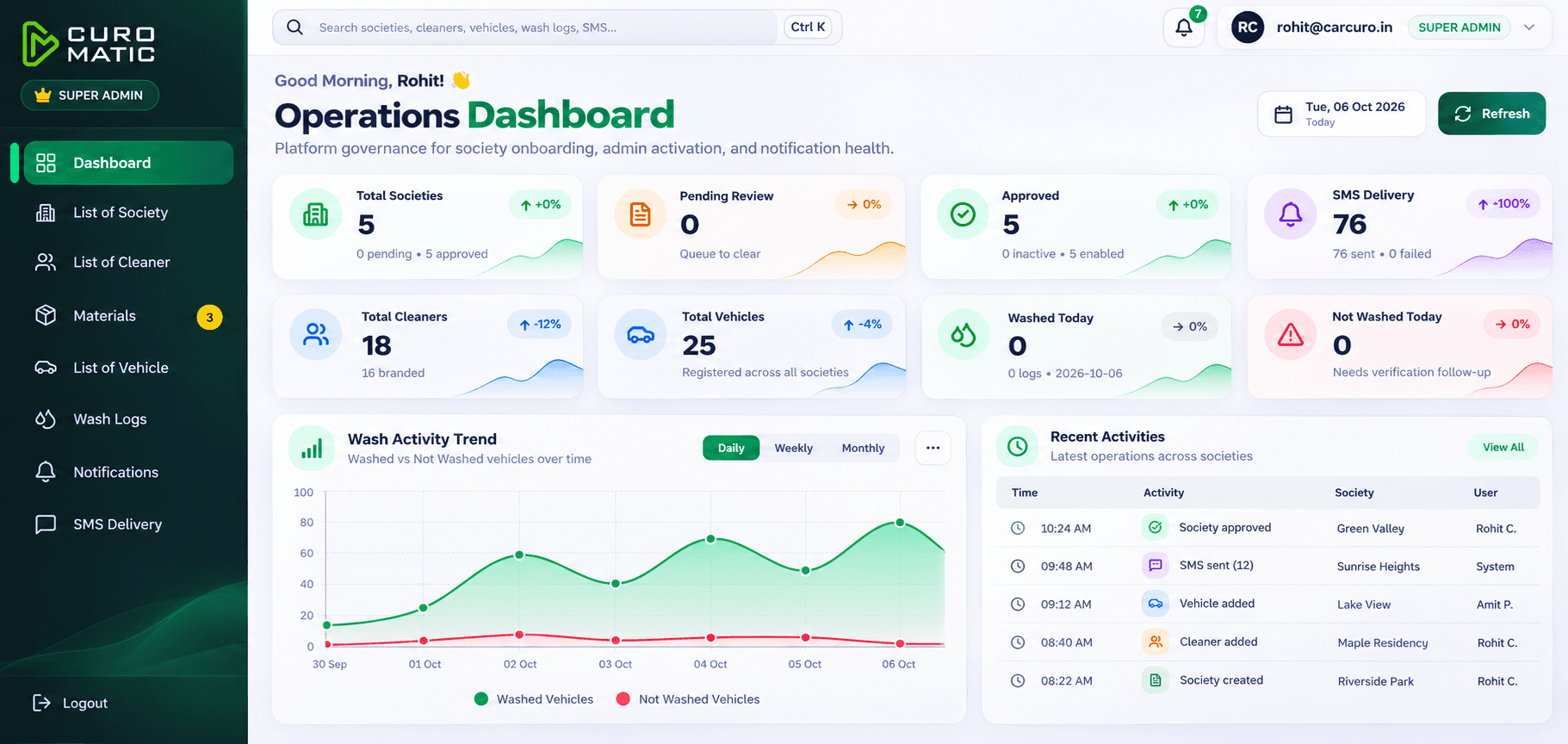
- Wash logs and benefits
Solutions Built Around the Way You Operate.
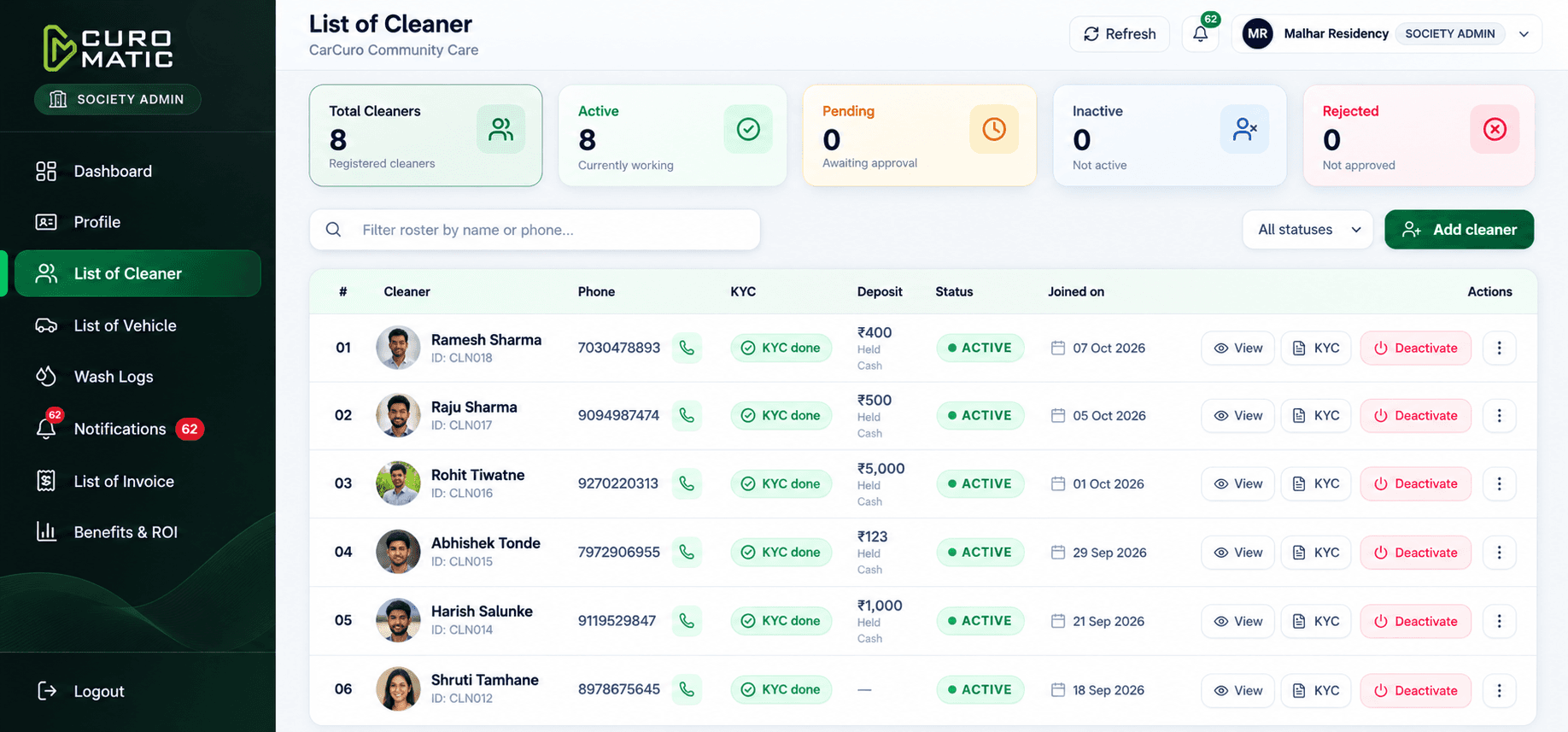
Society Admins run car-wash operations from one dashboard. Cleaners mark the work in the linked mobile app. The same Curomatic set also covers multi-store detailing and store-counter billing.
- Society Portal and cleaner app live
- 10,000+ vehicles

.png&w=3840&q=75)
Society Portal and cleaner app
Recorded across operations
Wash-mark accuracy
Invoicing at the store desk
Know Which Product Is For You
Society Admins come first. Multi-store detailing teams and store counters use the other two products.
How Curomatic Works
Society wash logs first. Then the multi-store desk and the store counter.
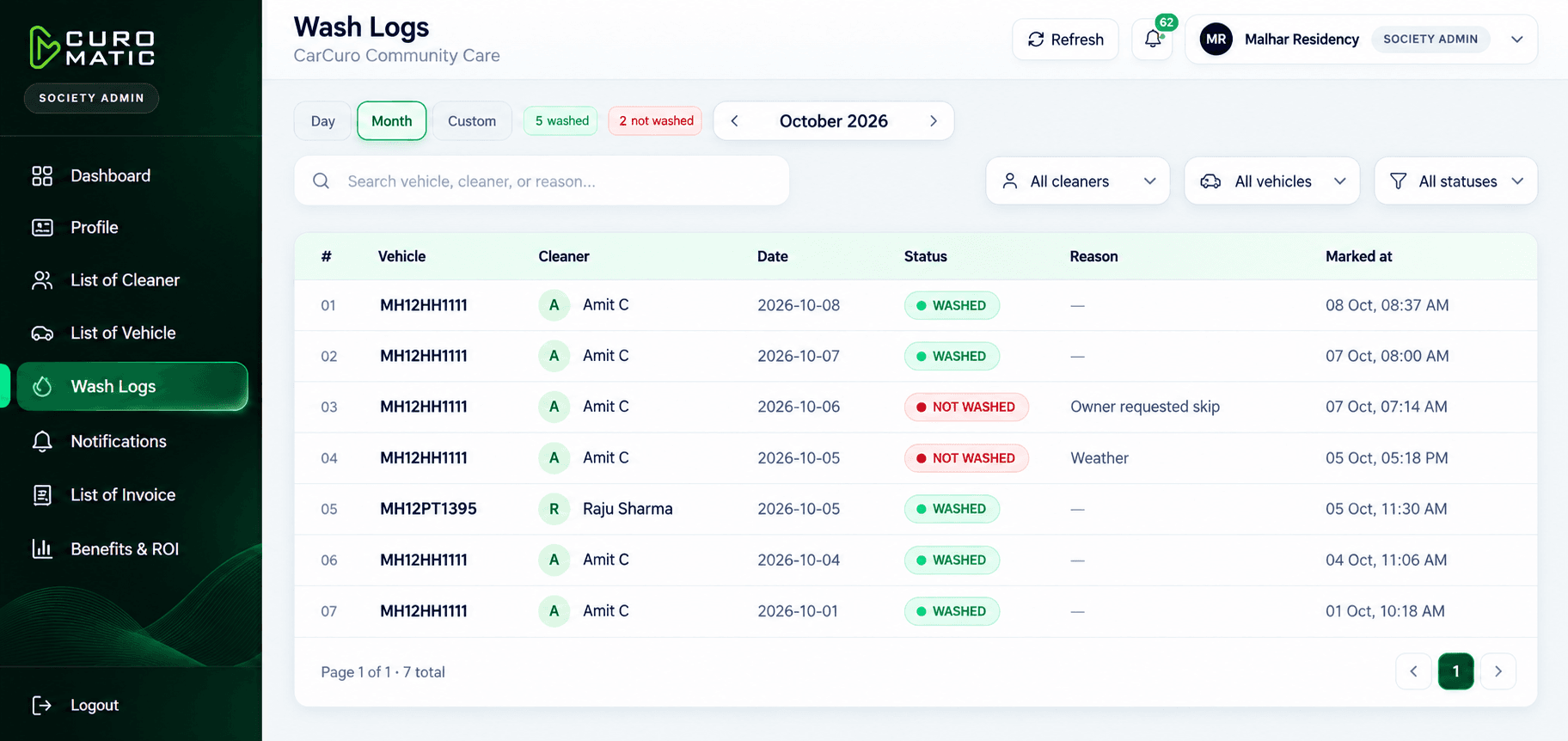
Wash Logs
The Society Admin reviews washed and not washed marks by day, month, or a custom range.


All Stores in One View
Quotations, bookings, invoices, stock, and payments for every store, from one panel.
Green Valley Branch
98% completed
Sunrise Heights Branch
100% completed
Lake View Store
94% completed
Fast Counter Checkout
Bill a customer at the counter in about 15 seconds, then record the payment and the invoice.
About 15 seconds at the counter
The Right Screen for Each Role
Society Admins review the society record. Super admins see headquarters tools. Store managers see their own desk and stock. Wash verification accuracy is 99.8%.
Society Portal
Live now
Verification
99.8% accuracy
Cleaner App
Linked
Store Access
By role
One Ecosystem. Specialized Solutions.
The Society Portal is live with the cleaner app. The Multi-Store Admin Panel and Store Billing cover detailing businesses and counters.
Society, stores, and the counter
Society Portal live • Multi-Store Admin • Store Billing
Product Comparison
Society Portal is live. Multi-Store Admin and Store Billing are in development.
- Designed For
- Multi-store businesses
- Structure
- Headquarters and stores
- Users
- Super admins and store managers
- Main Focus
- Desk, stock, and accounts
- Vehicle Management
- Vehicle types in the catalog
- Multi-Store
- Built for it
- Billing
- Invoices and payments
- Inventory
- Stock and store allocation
- Analytics
- Reports and analytics
- Designed For
- Individual stores
- Structure
- Single store
- Users
- Counter and cashier teams
- Main Focus
- Daily counter billing
- Vehicle Management
- Visit history
- Multi-Store
- Single location
- Billing
- Counter billing
- Inventory
- Not the primary focus
- Analytics
- Daily sales log
Frequently Asked Questions
What is live, who each product is for, and how wash logs reach the Society Admin.
Three products. Society Admins use the Society Portal, and cleaners use a linked mobile app. Multi-store car detailing businesses use the Multi-Store Admin Panel. A single store counter uses Store Billing.
Tell us which operation you run.
Society Admins can start with the live Society Portal and cleaner app. Multi-store detailing businesses and store counters can review the products still in development.
